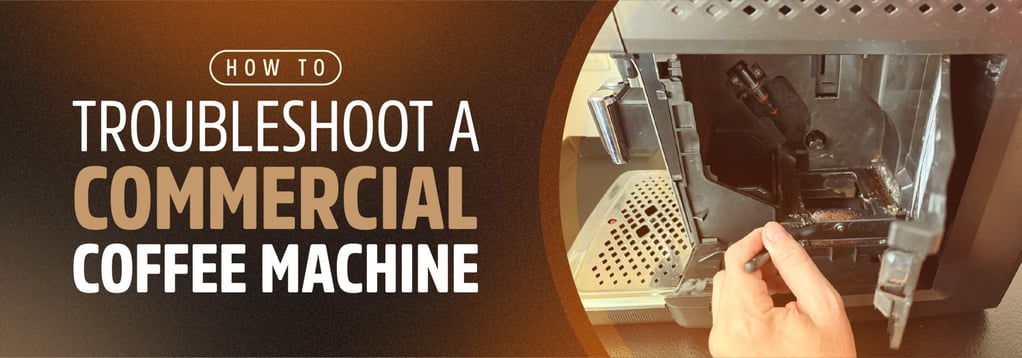
How to Troubleshoot a Commercial Coffee Machine
When a commercial coffee brewer overflows, leaks, or fails to heat, inspect it promptly to identify the cause. Delaying inspection and maintenance can prolong the problem and risk serious damage to the machine, so it's important to inspect the machine as soon as a failure is noticed. Many issues can be resolved by correcting the recipe or cleaning removable parts. Problems involving internal components, however, require a qualified technician.
This article will explain the causes of common coffee machine issues, how to potentially fix the problem, and when to call for service or replace the machine.
Common Coffee Machine Issues
Understanding the Basics of Your Machine
Commercial coffee makers are designed to brew coffee quickly and consistently to meet an operation's demand. Different coffee makers are designed to support different volumes and menu varieties, as outlined in KaTom's commercial coffee maker buyers' guide.
Using a machine that's properly rated for the environment is the first step to ensuring smooth operation. Even so, faults and failures can occur. When they do, having knowledge of your machine can help you identify and fix issues. First consult the manufacturer's manual to familiarize yourself with the components, functions, and maintenance requirements of your machine.


Inspecting the Machine & Diagnosing the Problem
Before altering recipes or looking for another brewer, inspect the parts that can be reached without opening the cabinet or disassembling the machine. Look for issues such as water beneath or behind the brewer, a kinked supply line, a faulty plug, a partly closed water shutoff, and a water filter past its replacement date. Note any error message on the display.
It may be necessary to run a brew cycle and watch the machine, then taste the coffee afterwards. Confirm the basket, filter, and dispenser sit correctly, and empty the dispenser before running a cycle. Watch the machine and note its performance throughout the cycle to determine when and where the problem occurs.
Inconsistent Coffee Flavor
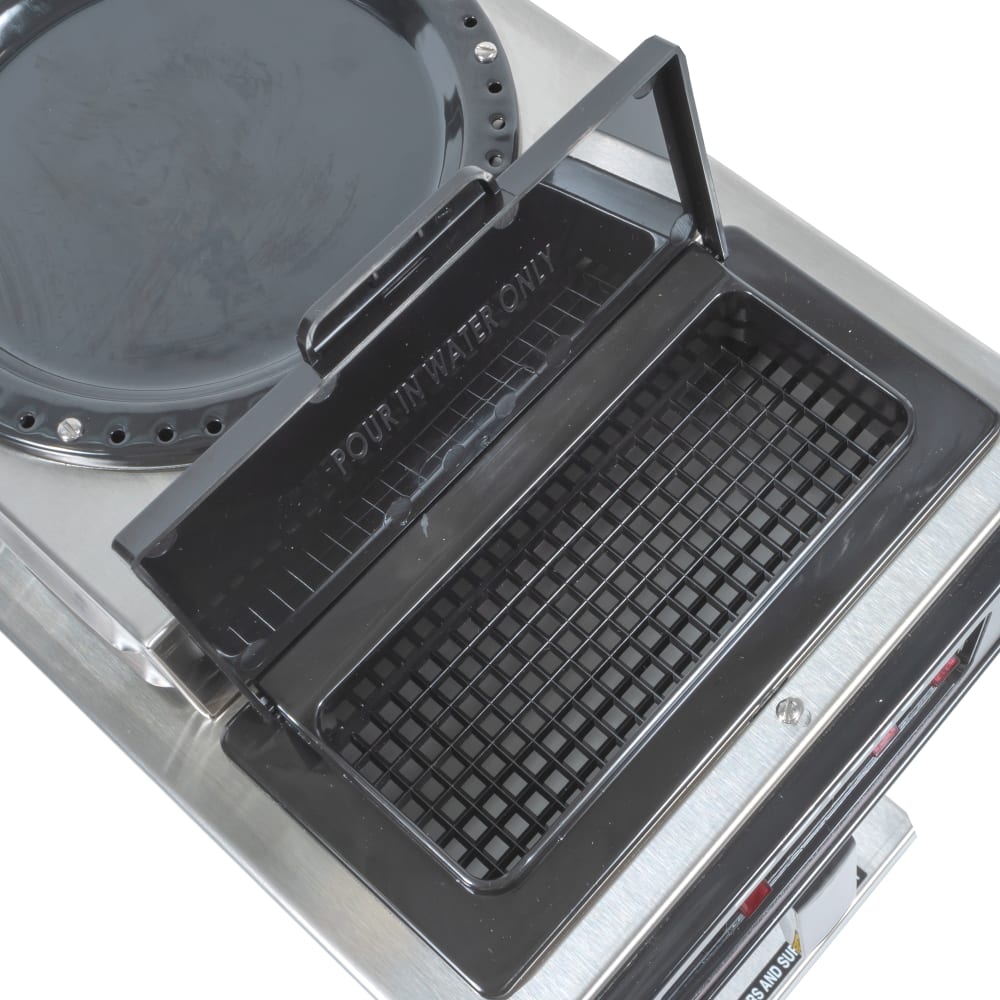
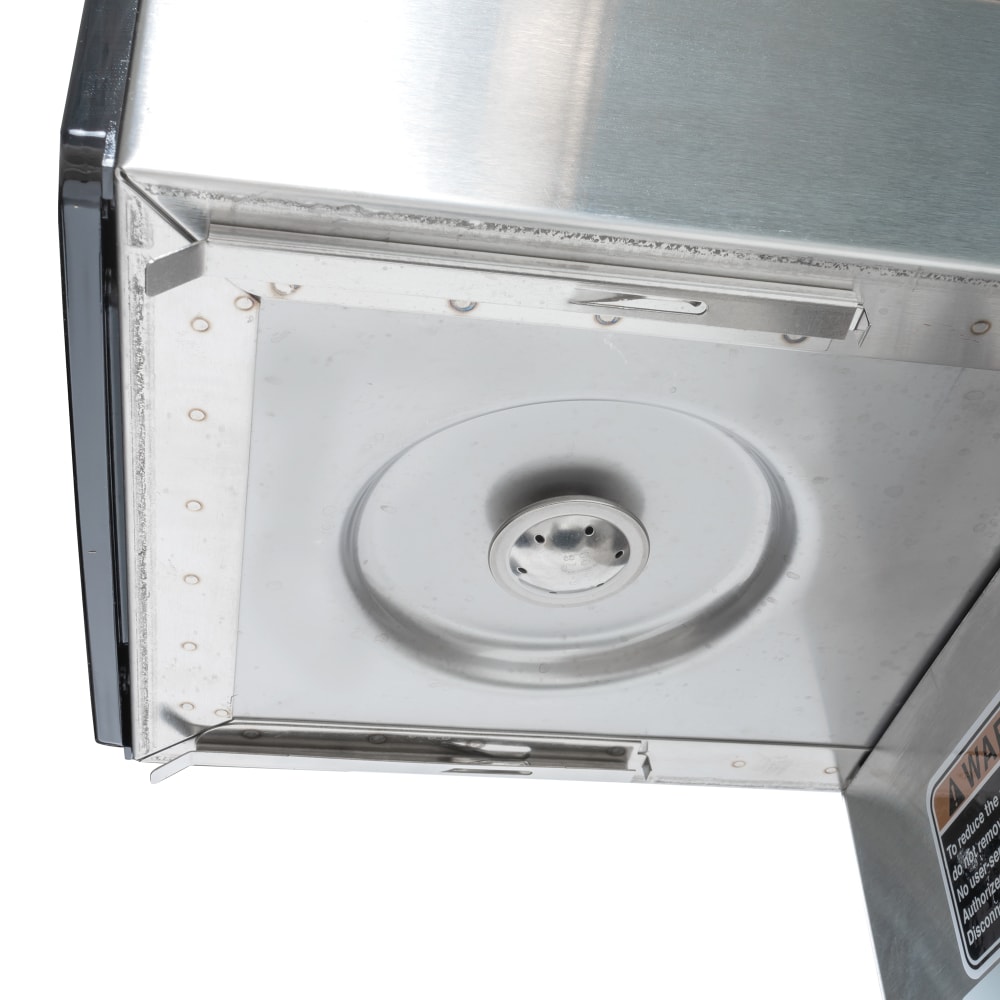
If flavor differs between batches, confirm the staff is using the intended coffee, grind setting, dose, filter, and batch program. Oftentimes, changes in batch flavor can be attributed to human error. Once the issue is confirmed to be the fault of the machine, clean the spray head, as mineral deposits can restrict its openings and prevent water from reaching the grounds evenly. Rinse the brew baskets to remove residue and grounds, then run a hot-water cycle.
"When coffee suddenly tastes different, the first things to check are grind texture, brew temperature, and water volume." — Mark Tilson, Regional Sales Manager, FETCO
Overflowing Brew Basket

If liquid spills over the basket rim, let the cycle finish and allow the basket to cool before removing it. Examine the outlet for residue, then wash the basket according to manufacturer instructions.
Confirm that the filter is the correct size and sits properly, then compare the coffee dose and grind with the recipe, as an excessive dose or overly fine grind may slow drainage. Verify that the specified spray head is present and fitted correctly. If a clean basket with the correct filter and recipe still overflows, stop using that station and request service.
"A brewer overflow may not always be a machine failure; sometimes the issue is a clogged brew basket caused by heavy coffee residue buildup." — Mark Tilson
Overflowing or Leaking Dispenser
If coffee starts spilling from the dispenser, determine whether it contained coffee before the cycle began, as dispensers should be empty before brewing. Confirm that the dispenser holds the selected batch size and sits correctly beneath the basket. If the dispenser has a fill sensor, test it for operation under normal brewing settings. When those conditions are correct and the machine repeatedly delivers too much coffee, record the selected program and actual volume so a technician can assess the brewer's settings and components.
A leak from the dispenser calls for a different inspection. Empty it, dry its exterior, and identify where liquid is escaping from. Drips from the faucet may indicate coffee residue or a worn seal. Clean the faucet and its removable parts, then reassemble them and test for leaks. If liquid escapes from the dispenser body or the faucet still drips after cleaning, remove the dispenser from service.

Slow Brew Cycle
First, note whether the machine takes too long to fill or dispenses water unevenly over the grounds. For a slow fill, confirm the accessible water shutoff is open, look for a visible kink in the supply line, and review the water filter's replacement status, as a clogged filter or restricted supply line are the most common causes of slow filling. If water reaches the brewer but flows poorly from the spray head, clean that part as the machine's manual directs. If normal flow does not return, request service rather than opening the machine or replacing valves.
Heating Problems
If coffee remains cool after the brewer's normal heat-up period, or the machine shows a repeated fill or heating error, a technician needs to diagnose the cause. The same applies to water leaking from inside the cabinet, repeated circuit breaker trips, or a burning smell. Follow the manufacturer's shutdown instructions and close any accessible water shutoff if an active leak makes that necessary and safe.
Cleaning & Maintenance
Discard used grounds and rinse the basket after each brew. Wash removable machine parts following the schedule outlined in the manufacturer's manual. Clean the spray head only after it cools, using the method specified for that model. The basket and dispenser should be rinsed after brewing and washed daily. See KaTom's article on how to clean your commercial coffee maker for more detailed instructions.
"Spray heads, brew baskets, dispensers, faucets, and serving spouts should be cleaned daily to prevent coffee oils and mineral deposits from building up." — Mark Tilson
Keep a record of filter changes, cleaning, and recurring issues. Water treatment must suit the local water supply and the brewer's requirements. If scale returns quickly, flow slows again soon after cleaning, or a brewer needs frequent repairs, ask the equipment supplier or service provider to review the filtration and maintenance schedule. Hard water and lime deposits can restrict spray heads and contribute to longer brew times and inconsistent coffee flavor.
"Water quality is one of the biggest factors affecting brewer lifespan because hard water can damage valves, fittings, and internal components." — Mark Tilson
For additional information on water quality and filtration, check out KaTom's article outlining why water quality matters for coffee equipment.
When to Call a Technician
Stop troubleshooting and call a technician when the brewer repeatedly trips a circuit breaker, gives off a burning smell, leaks from inside its cabinet, fails to heat, shows a persistent fill error, or continues to overflow after staff clean and properly load the removable parts. If you suspect a heating or electrical issue, immediately follow the manufacturer's shutdown instructions. If water is actively leaking and the accessible supply shutoff can be reached safely, close it.
Give the technician the model number, error message, recent filter and cleaning history, and a detailed description of the problem. These details help separate a recipe or maintenance issue from internal brewer faults.
"Once an issue involves electrical components, internal repairs, or failed valves, operators should call a qualified service technician." — Mark Tilson
When to Replace Your Coffee Maker
First, get a technician's diagnosis and repair estimate. If the same fault returns after repair, parts are difficult to obtain, or repeated service visits disrupt coffee service, compare the cost of keeping the brewer with the price of a replacement. Include lost brewing time as well as parts and labor.
Some coffee machine manufacturers, such as FETCO and BUNN, offer service and replacement parts for supported equipment, so consider those options before retiring a machine.
Additionally, a machine that cannot keep up with demand may need to be upgraded even if it still works. Before selecting a new model, verify its batch capacity, available counter space, electrical requirements, water connection, and compatible filtration. KaTom's commercial coffee maker buyers' guide offers a comprehensive look at factors to consider when purchasing a new machine.
For more information, see KaTom's article outlining five signs it may be time to replace your coffee machine.
