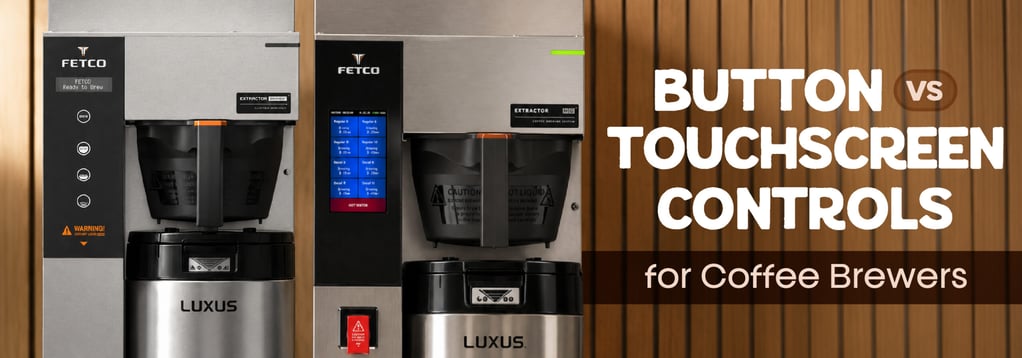
Button Controls vs. Touchscreen
When choosing a coffee brewer, operations typically consider volume, capacity, durability, and cost. One factor that often gets overlooked is the controls, despite affecting how staff adjust recipes, train new employees, and troubleshooting during service.
There are two main types of commercial coffee brewer controls: traditional button-controlled models suit operations that prioritize repeated batch brewing without adjustments, while touchscreen units are a strong fit for specialty coffee programs and operations that frequently refine recipes.
Button vs. Touchscreen Controls: Comparison Snapshot
The control interface does not directly determine coffee quality, as brew temperature, extraction time, grind, water quality, and the recipe still matter most. The control panel simply shapes how confidently an operation can manage those variables during daily service.
What Are Button-Controlled Coffee Brewers?
Traditional coffee brewers use physical push buttons, touch pads, or switches to choose batch sizes and start brew cycles. They are common in batch-brewing environments because staff often repeat the same tasks throughout the day: load the filter, add coffee, slide the server or airpot into place, select the batch, and brew. The straightforward control scheme suits operations focused on consistent production over specialty brewing.
Although operation is straightforward, many modern button-controlled brewers still support key coffee-brewing parameters. BUNN AXIOM® brewers, for instance, utilize BrewLOGIC® technology, which calculates flow rate and adjusts brew times to maintain consistent pot levels. Many AXIOM models also support pre-infusion, pulse brew, and digital temperature control, giving operators more control over extraction than a basic on/off brewer would provide.
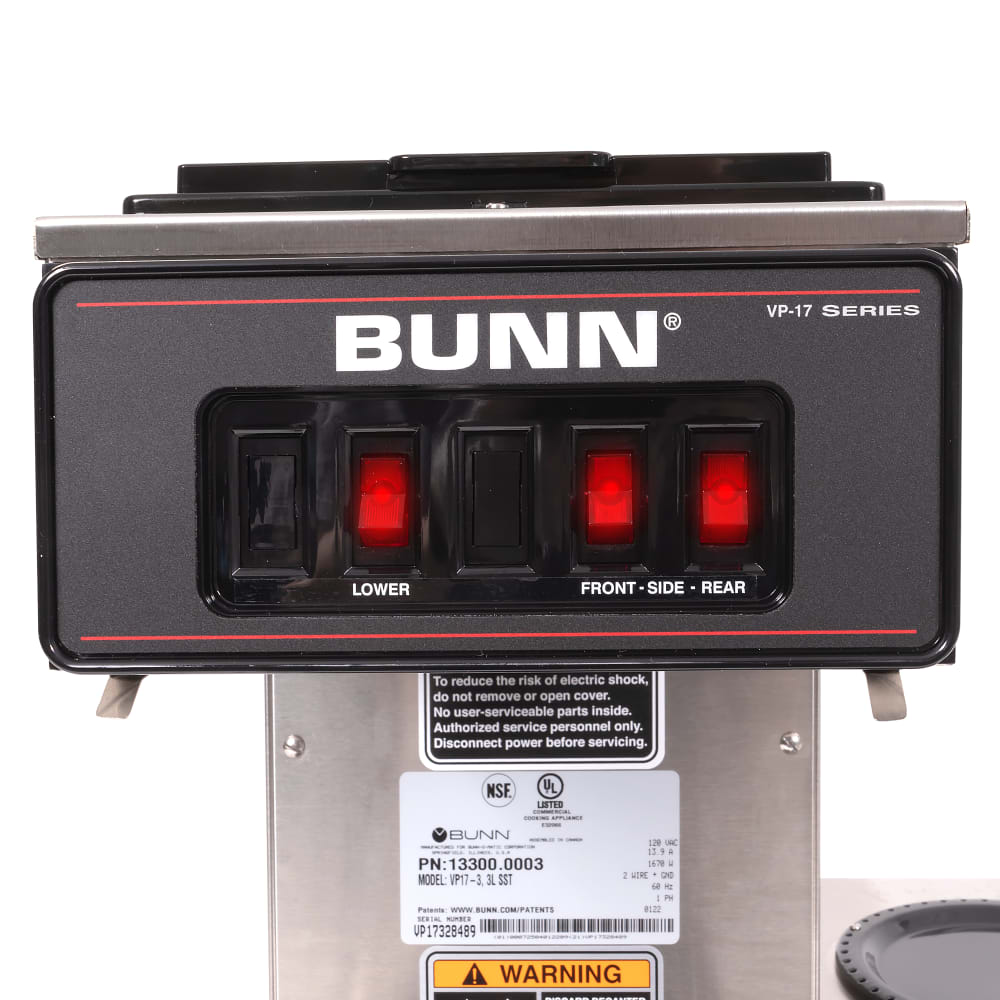
How to Choose the Best Button-controlled Coffee Brewer
When comparing button-controlled coffee brewers, operators should look at:
- Batch Size Options: Choose a brewer that supports the operation's peak demand periods and the amount of coffee that can be held and kept warm.
- LCD Screen: Some traditional brewers feature an LCD screen to display information on brew status, tank temperature, and maintenance alerts.
- USB Programming: USB access can help multi-unit operations standardize brewer settings across locations or update recipes without reprogramming brewers manually.
- Energy-Saver Mode: An energy-saver or ECO mode can reduce tank temperature or power use during slower periods while keeping the brewer ready for use.
- Status Lights: LED indicator lights or digital readouts show machine status, temperature, brew counters, or active cycles, giving staff visual feedback.
What Are Touchscreen Coffee Brewers?
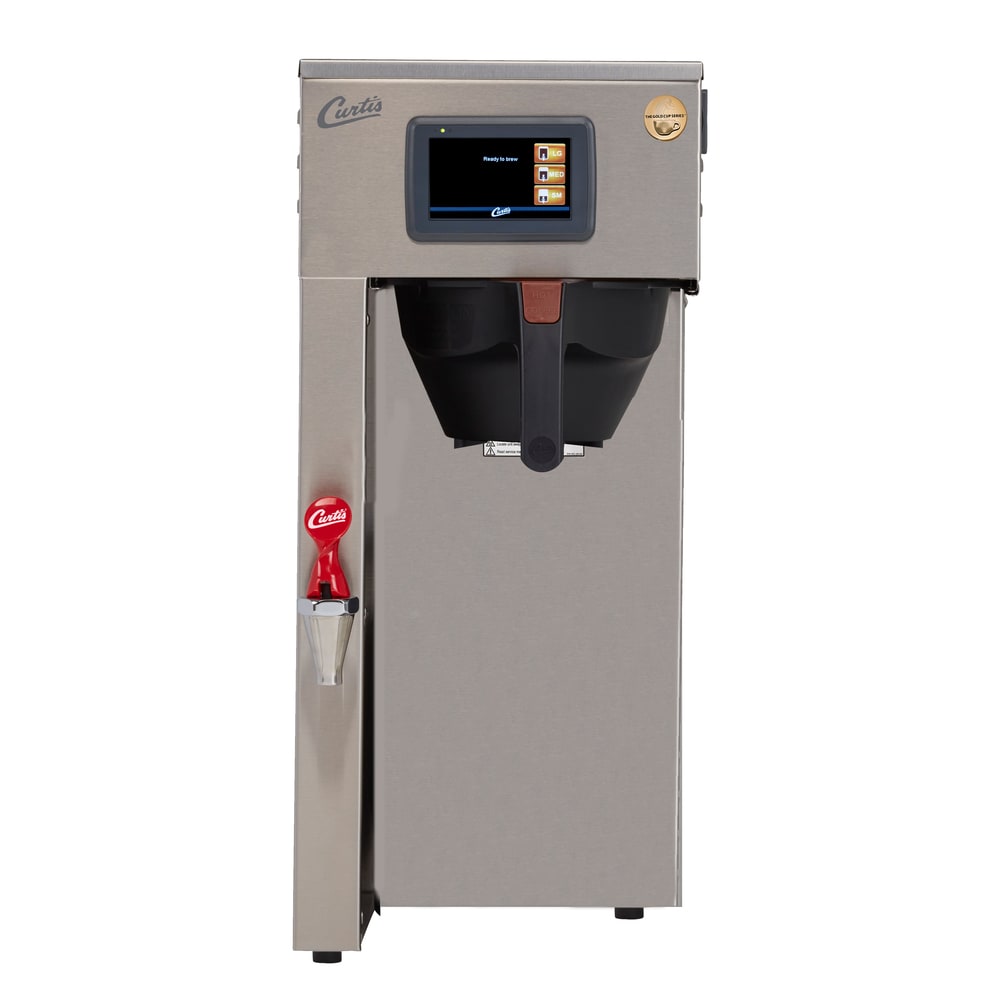
Touchscreen coffee brewers use a digital interface rather than physical buttons. Depending on the brewer, the screen may manage recipe selection, brew times, batch sizes, cleaning prompts, diagnostics, and portion sizes. Touchscreens are increasingly common in specialty brewing platforms and self-service operations, as users can easily select and modify saved recipes.
Touchscreen controls offer intuitive and familiar operation for many users. Most staff members already use smartphones, tablets, and digital POS systems daily, so a brewer interface that follows the same control scheme can reduce the friction involved in finding recipes and changing settings.
"Touchscreen controls are becoming more important because operators are already comfortable with that style of technology in daily life." — Mark Tilson, Regional Sales Manager, FETCO
How to Choose the Best Touchscreen Coffee Machine
When comparing touchscreen coffee machines, operators should look at:
- Recipe Flexibility: Touchscreen controls help staff adjust recipe brew times, portion sizes, and extraction settings.
- Cleaning Guidance: Some touchscreen machines provide step-by-step cleaning instructions, status alerts, or maintenance prompts to support consistency across shifts.
- Interface Customization: Depending on the model, customization may include drink names, uploaded graphics, or even videos.
- Touchscreen Size: Smaller screens can work well for programming and recipe control, while larger screens can support self-service drink selection for guests.
- Connectivity: Some coffee machines include Wi-Fi and Bluetooth compatibility for remote management, while others rely on app-controlled touchscreens, USB access, or connected equipment platforms.
Usability: Tactile Simplicity vs. Visual Navigation
Button controls are often strongest when the brewer is used by many staff members for the same repeated tasks. A restaurant server, hotel breakfast attendant, banquet employee, or cafeteria worker may only need to select the correct volume and start a batch. In those environments, a physical interface helps reduce hesitation with a predictable workflow.
Touchscreens are best when staff members need to do more than start a batch. If they need to choose among recipes, adjust brew settings, follow cleaning instructions, or manage several beverage options, a screen can organize those steps in a way that feels more straightforward than manual button sequences.
"When controls feel familiar, staff can adjust settings more quickly and spend less time navigating the equipment." — Mark Tilson
Recipe Control: How Much Adjustment Does the Menu Need?
A standard restaurant coffee program may only need one or two set recipes, and those recipes may stay fixed for months at a time. In that case, button controls support consistent service without putting unnecessary technology between staff and the brew cycle. A specialty cafe or coffee shop, however, may rotate coffees, adjust recipes for different roasts, or refine extraction based on customer demand. For those operations, touchscreens can help staff easily edit recipe specifics.
Advanced button or touch-pad systems can still enable recipe management. BUNN's DUAL TF DBC BrewWISE® satellite brewer, for example, includes digital controls for temperature adjustment, individual recipe storage, pulse brew, pre-infusion, and a wireless brewer-grinder interface. The BUNN AXIOM Twin-APS also uses an LCD display with BrewWIZARD® programming, digital temperature control, and an advanced touch pad for pot level, cold brew lockout, and tank temperature settings.
Staff Training: Which Interface Reduces Mistakes?
Training should focus on who uses the brewer and how much control they need. In many operations, staff members should not be changing recipes at all. They need to know how to load the brew basket, select the right batch size, start the cycle, discard used grounds, and clean the station according to the operation's schedule. Button-controlled brewers fit this workflow well.
Touchscreens can support training when the brewer handles more complex tasks. A screen can display coffee recipes, step-by-step prompts, cleaning guidance, or status messages that help employees understand what to do next. This is especially useful in self-service coffee operations, where guests select a coffee beverage based on their own taste without communicating with a barista. However, touchscreens can also create a training need of their own. Managers should decide who can access recipe settings, which alterations require approval, and how staff should respond to error messages.
Button-controlled brewers benefit from the same discipline. If an advanced button-controlled brewer stores recipes or supports programming, staff should know which buttons are for daily use, and which are manager-level controls. Clear labels, laminated brew guides, and standard recipes matter regardless of interface.
Which Interface Fits Different Foodservice Operations?
Restaurants, Hotels, and Casinos
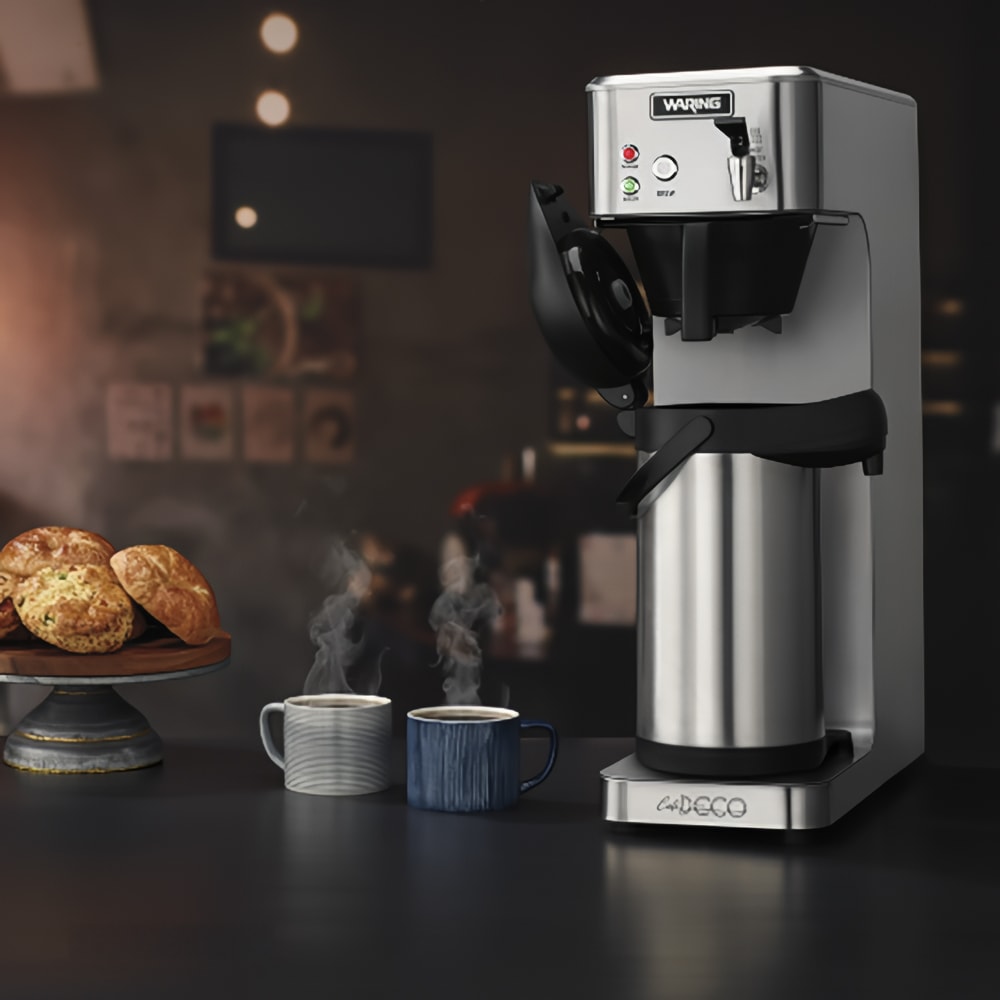
Button-controlled brewers are often the stronger fit for high-volume operations serving batch coffee consistently. Restaurants may brew fresh coffee throughout breakfast, lunch, and dinner service. Hotels may run a breakfast station with airpots or satellite servers. Casinos and banquet venues may need large batches held for continuous service. In these operations, recipes are usually secondary to volume, holding capacity, and service speed, as keeping up with the needed volume of coffee is the main priority.
Cafes and Coffee Shops

Touchscreen brewers are especially useful when coffee is a central menu item. Specialty cafes often care more about recipe visibility, fine-tuning, and staff interaction with brewing parameters. A screen-based interface can help managers review settings and train staff on the relationship between recipe choices and cup quality.
This does not mean every cafe needs a touchscreen. A small cafe with a limited menu may be well served by a button-controlled brewer with strong temperature and extraction control. As the menu becomes more dynamic, however, touchscreen navigation may become more valuable.
Cafeterias, Offices, and Convenience Stores
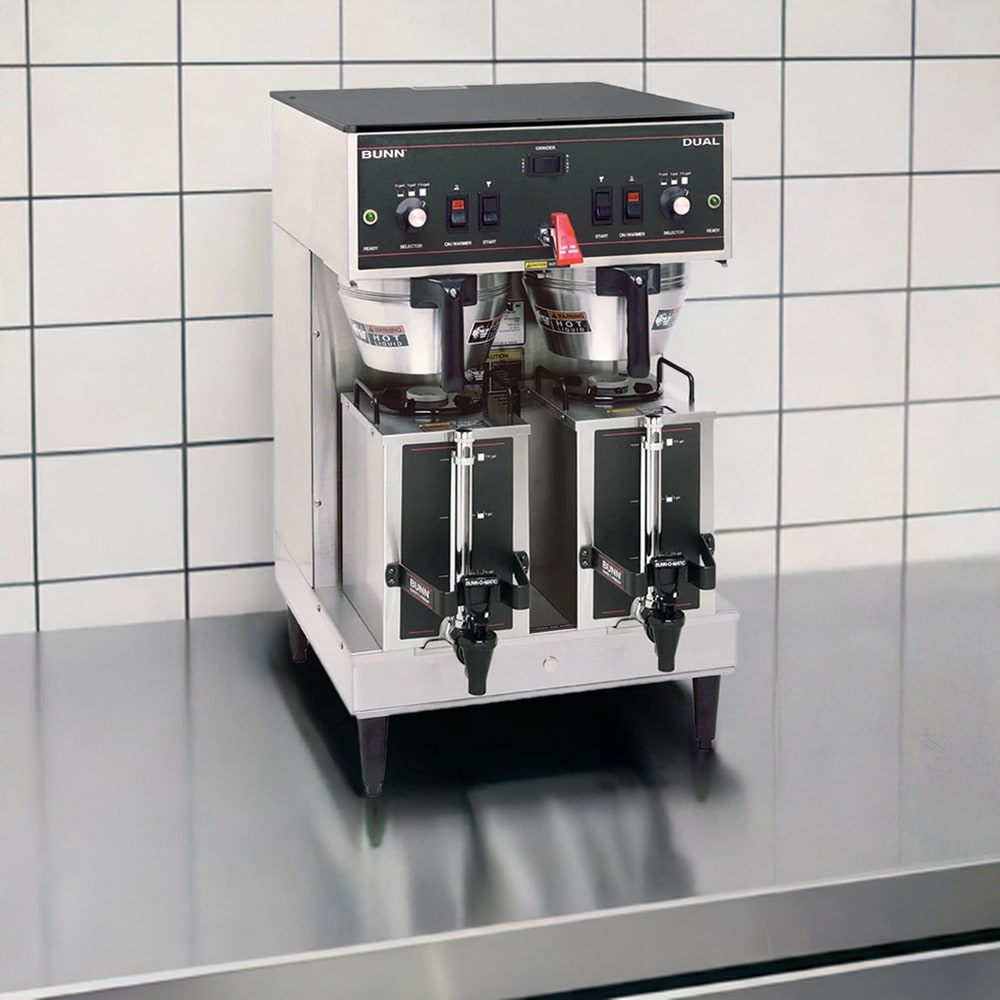
These operations can go either way. A cafeteria using large satellite brewers may benefit from simple button controls, especially when staff brew a few standardized coffees at a high volume. Offices and convenience stores with self-service models may benefit from a touchscreen that enables the customer or staff member to choose from different recipes, such as a cappuccino or macchiato.
Catering and Event Service
Button-controlled brewers usually fit catering and event service well because the workflow is centered on volume, transport, and speed. Staff may brew into airpots, thermal servers, or satellites before moving coffee to a remote station. In this setting, fewer interface steps can reduce confusion and mistakes.
A touchscreen may still fit an event venue with a premium beverage program, and many catering teams will prioritize durability, batch size, server compatibility, and holding method before choosing a control style.
Questions to Ask Before Choosing an Interface
Before choosing a button-controlled or touchscreen coffee brewer, operators should answer a few practical questions:
- How often will recipes change?
- Will staff need to make adjusts, or will managers control settings?
- Is the brewer staff-facing, guest-facing, or both?
- Does the operation need one standardized coffee recipe or several beverage options?
- Will the brewer be used by trained baristas, servers, attendants, or rotating staff?
- Is the main priority high-volume batch output, specialty coffee control, or self-service convenience?
If the answers point toward simple, repeated batch brewing, button controls are often the practical choice. If the answers point toward recipe changes, multiple drinks, or customer-facing selection, a touchscreen interface may be a stronger fit.
Shop Coffee Brewers at KaTom
KaTom offers commercial coffee brewers and beverage equipment for variety of service types, including drip brewers, airpot brewers, satellite brewers, espresso machines, coffee grinders, servers, dispensers, filters, and replacement parts. Compare brewer type, capacity, holding method, interface style, and brand to find the right brewer for your operation.
